


Artificial intelligence is slowly making its way into everyone’s daily lives. Personally, I resisted for a long time, but then I was tempted to try what it can do. I can’t say I use it every day, but if I need any advice, I turn to it. However, there are some people who use AI assistants all the time. Microsoft is now targeting gamers on PC and on mobile devices. It was preparing an AI assistant for them.
They’ve been testing it for a year
It took almost a full year of testing and now, according to the gaming giant, the time has come when Gaming Copilot will be available for gamers on the current generation Xbox X|S Series consoles. Xbox Gaming’s artificial intelligence product manager Sonali Yadav announced during GDC that Gaming Copilot will launch later this year on current-generation consoles, and that Microsoft will continue to roll it out to other services used by gamers, eventually making it available to virtually everyone.
What’s this all about?
The gaming version of Copilot will work just like the announced AI assistant for Android gamers. It answers contextual questions about the game being played in a concise and clear manner. The assistant, aptly named Copilot, is thus a kind of friend on the phone that will help the player with everything he or she needs to play the game. For example, he can ask about completing a particular puzzle. In fact, it is meant to serve as a replacement for the traditional game guide.
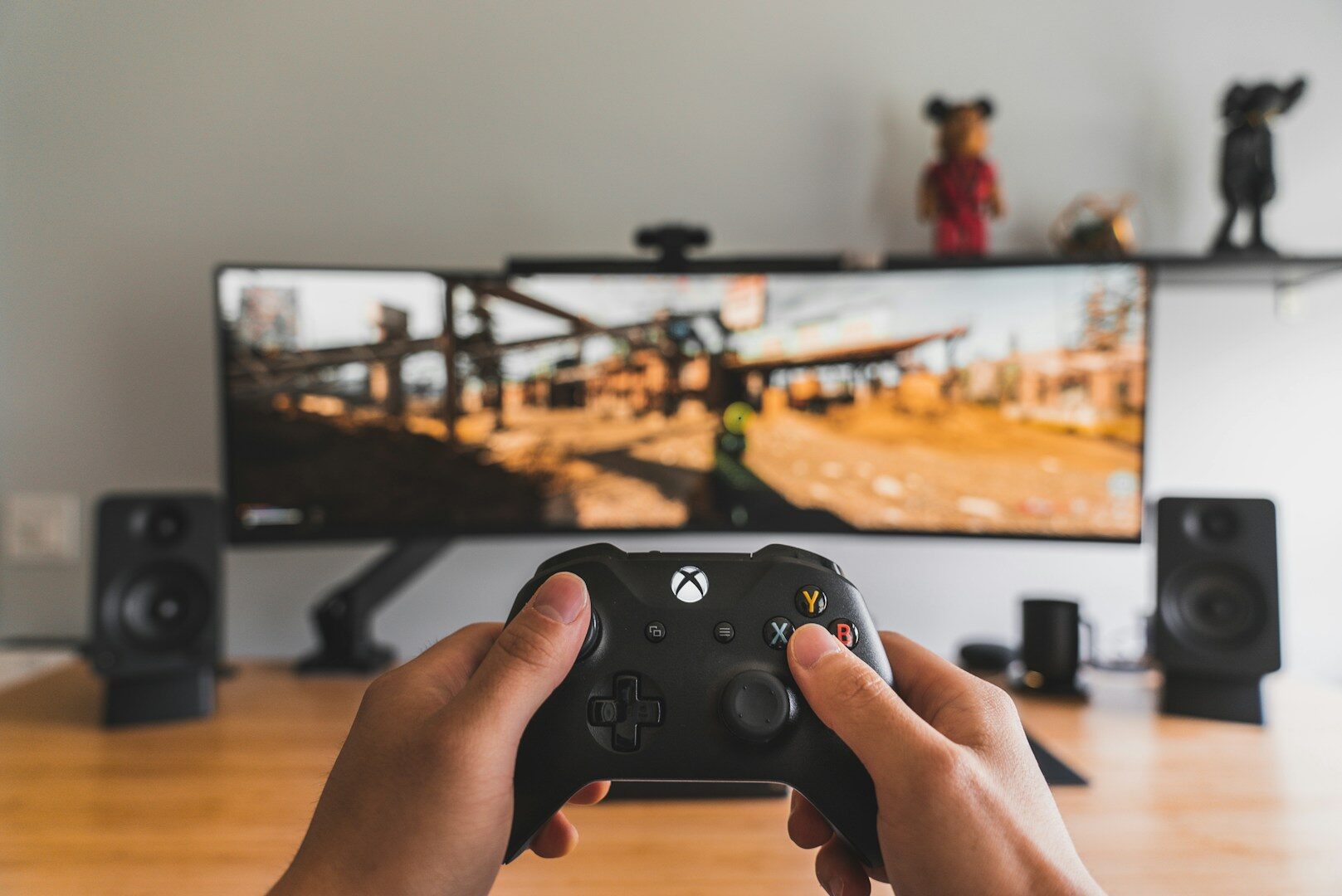 ━━
( Source: Sam Pak / Unsplash+ )
━━
( Source: Sam Pak / Unsplash+ )Other uses of Gaming Copilot
But it has other uses too. You can ask Gaming Copilot to recommend games based on your gaming history and the genres you play most often, and you can also have it display information about specific gaming achievements or account details you want to review. This is definitely a great tool for gamers to use.
One of the big advantages of this feature is that you can use it without leaving the game, as it can be accessed through the Xbox Game Bar overlay on PC and the Command Center button on Xbox Ally devices. This makes it quicker to use than pressing Alt+Tab or pulling out your phone and opening a web browser, with the caveat that you’re relying on an aggregate of AI data, not a customized guide created by a real person.
You can try it out
Tempted to try out the new Copilot? Currently, Gaming Copilot can be used on desktops or laptops, mobile phones and ROG Ally handheld devices with both text chat and voice control. It will likely work this way on Xbox consoles as well. Although it’s clear that most console gamers will prefer voice control. Or is there anyone who enjoys typing on a games console?
Next steps
Of course, Microsoft is being a bit cryptic and it’s not clear what else Microsoft will want to integrate Gaming Copilot into, but it’s clear that they want to put it wherever they can. One of those platforms will surely be Project Helix, the new Xbox and PC hybrid system.


 Šárka Cvrkalová
 A. Urban

 O. Müller
